
Text-to-Video Creation
Turn written prompts into short AI videos. Describe the subject, action, setting, camera movement, lighting, and style to give Sulphur 2 a clear visual direction.
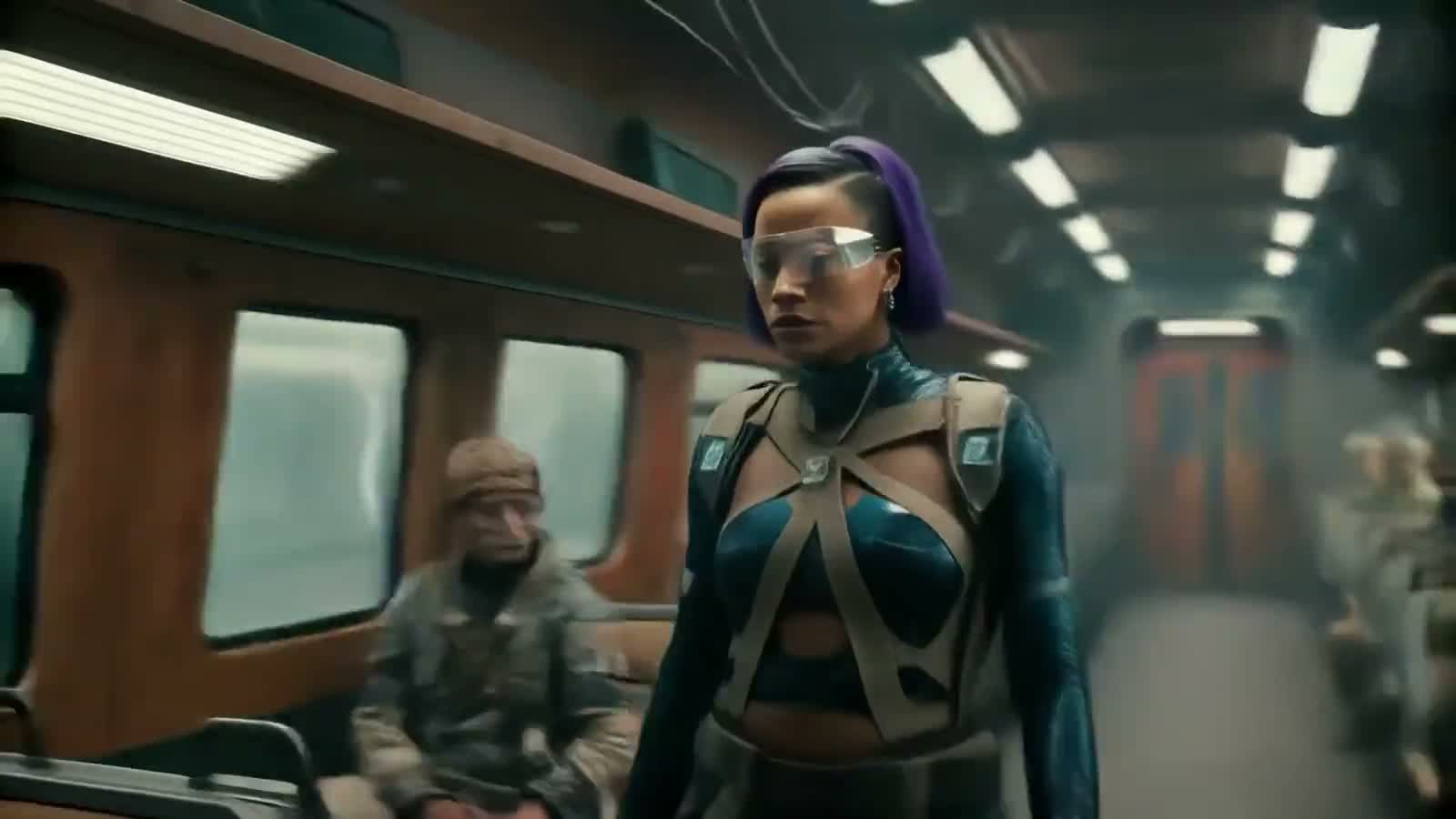
Sulphur 2 AI Video Generator
Start free with Sulphur 2, an LTX 2.3 based AI video model for text-to-video and image-to-video creation. Explore prompts, examples, and creative workflows online.
No credit card required. Start creating your first AI video online.
Online AI Video Creation
Sulphur 2 helps you turn simple ideas into short cinematic AI videos online. You can start with a text prompt, upload a reference image, choose basic settings, and generate a video directly in your browser.
Built around the LTX 2.3 video model ecosystem, Sulphur 2 supports text-to-video and image-to-video workflows. That means you can create videos from written descriptions, animate images, test camera motion, and explore different visual styles without complex editing software.
Use Sulphur 2 for product videos, social media clips, storyboards, ad concepts, YouTube Shorts, TikTok ideas, and early creative tests. For better results, describe the subject, action, camera movement, lighting, mood, and style in your prompt.
Features
Turn written prompts into short AI videos. Describe the subject, action, setting, camera movement, lighting, and style to give Sulphur 2 a clear visual direction.
Upload a reference image and describe how it should move. Use image-to-video for product shots, portraits, concept art, brand visuals, and still images that need cinematic motion.
Guide the result with simple camera language, such as close-up, wide shot, dolly-in, tracking shot, orbit motion, slow motion, or smooth cinematic pacing.
Create AI videos for TikTok, YouTube Shorts, Reels, ads, product pages, landing pages, storyboards, and early campaign concepts. Match the aspect ratio and duration to your channel.
Use structured prompt patterns to get cleaner, more consistent videos. The prompt guide includes formulas, camera words, style terms, and examples for text-to-video and image-to-video workflows.
Create directly in your browser without local setup. Sulphur 2 keeps the workflow simple: enter a prompt, adjust settings, preview the result, and download your video.
Workflow
Creating a video with Sulphur 2 is simple. Start with a text prompt or reference image, choose your video format, generate a short AI video online, then refine the prompt until the motion, lighting, and style feel right.
Start with a written idea or upload an image you want to animate. For better results, describe the subject, action, camera movement, lighting, mood, and visual style.
Pick the format that matches where the video will be used. Landscape is useful for websites, product showcases, and presentations. Vertical works better for TikTok, YouTube Shorts, Reels, and mobile ads.
Submit your prompt and let Sulphur 2 create a short video from your idea. Review the preview to check the motion, framing, subject consistency, and overall cinematic look.
Download the generated video, reuse the prompt, or adjust the camera motion, lighting, style, and scene details to create a stronger version.
Try Sulphur 2 after signup
Enough for your first generation
Text to Video and Image to Video
Choose by workflow size
Use Cases
Use Sulphur 2 to test video ideas, animate still images, and create short visual concepts before spending time on full production.
Create quick AI video concepts for ads, landing pages, product launches, and campaign tests. Add product details, camera direction, lighting, and mood to explore different creative angles before production.
Turn product images into short video clips with slow rotations, studio lighting, clean backgrounds, reflective surfaces, and smooth camera movement. Useful for e-commerce, app launches, and product storytelling.
Write scenes with mood, pacing, camera movement, and character action. Sulphur 2 helps creators test visual beats, scene direction, and cinematic ideas before building a longer story.
Generate short AI videos for Reels, TikTok, YouTube Shorts, and mobile-first visual hooks. For stronger vertical clips, describe the framing, action, background, and movement clearly.
Turn rough ideas into moving visual references. Designers, filmmakers, marketers, and creative teams can use Sulphur 2 clips to explain mood, atmosphere, style, and scene direction.
Use Sulphur 2 as a fast AI storyboard tool. Generate multiple shot directions, compare camera movement, and keep the strongest clips for presentations, planning, or further editing.
Prompt Guide
The best Sulphur 2 prompts read like compact shot descriptions. Describe the action, setting, camera motion, lighting, style, and mood.
Read the Prompt GuideDescribe the subject and action before the style. Lead with who or what is in the shot and what they are doing, then layer in style, environment, and mood.
Add camera motion such as dolly-in, tracking shot, orbit, or close-up. Specifying the framing and movement gives Sulphur 2 a clearer cinematic direction.
Define lighting and mood with concrete visual words like golden hour, neon backlight, soft studio light, or overcast haze so the result feels intentional rather than generic.
Start Free
New users get free credits to test Sulphur 2 online. Create your first short AI video, then choose a credit plan when you need more generations.
FAQ
Sulphur 2 is an AI video model based on the LTX 2.3 ecosystem. It supports text-to-video and image-to-video workflows, so you can turn written prompts or reference images into short AI videos online.
You can create product videos, social media clips, cinematic scenes, ad concepts, storyboards, landing page visuals, and animated versions of still images. For better results, describe the subject, action, camera movement, lighting, mood, and style.
No. You can use Sulphur 2 directly in your browser without local setup, GPU installation, or complex model configuration. Write a prompt or upload an image, choose settings, generate the video, and download the result.
Yes. Sulphur 2 supports image-to-video creation. Upload a reference image, then describe how the subject, camera, lighting, or scene should move. This works well for product shots, portraits, concept art, fashion visuals, and brand images.
Sulphur 2 works best with clear visual prompts. A strong prompt usually includes the subject, action, setting, camera movement, lighting, mood, and style. Instead of only naming an object, describe the full shot you want to create.
Credits are used each time you generate a video. New users can start with 50 free credits, which is enough for one 5-second 720p test video. Longer videos or higher-resolution settings may use more credits.
No. Sulphur 2 can be used by creators, marketers, designers, and beginners who want a simple online AI video workflow. The web experience focuses on prompts, image uploads, settings, preview, and download.
Start with the Sulphur 2 AI Video Generator page. Try a simple prompt first, generate a short test video, then improve the next version by adding camera movement, lighting, mood, and clearer subject details.
Yes. Sulphur 2 supports text-to-video generation. You can write a scene description, add camera and lighting details, choose your settings, and generate a short AI video online.
Yes. Sulphur 2 can be used to create short clips for TikTok, Reels, YouTube Shorts, ads, and visual hooks. For mobile-first videos, use vertical framing and describe the action clearly.
Create Now
Turn a prompt or image into your first cinematic AI video online. No credit card required.
Try Sulphur 2 Free